Group Wallet: Simpler, Stronger, Better
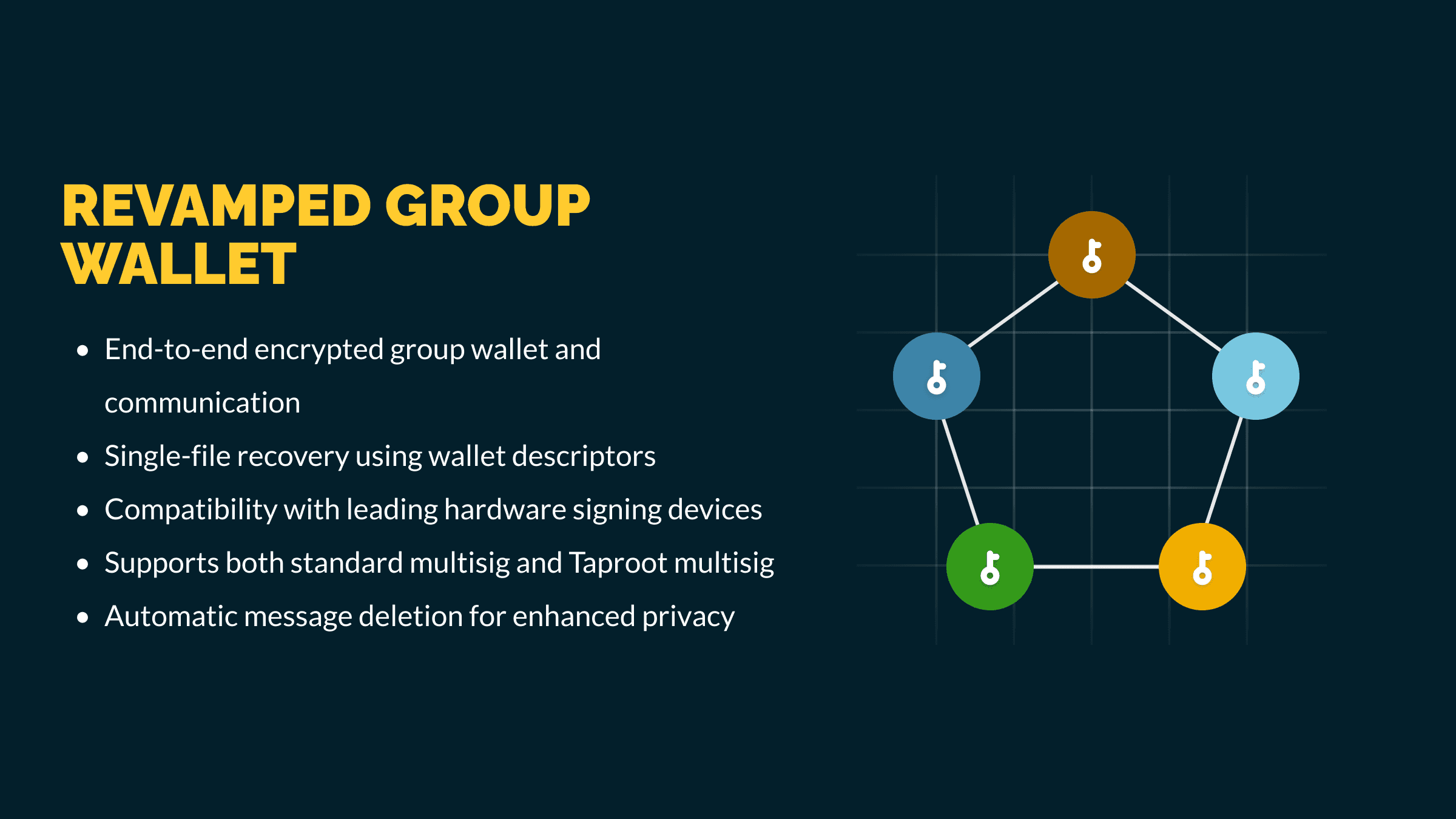
Three years ago, we introduced our very first attempt at a collaborative multisig wallet — a Matrix-based solution. Although it was a groundbreaking feature at the time, the reliance on separate Matrix encryption keys for end-to-end-encrypted (E2EE) communication turned out to be inconvenient and prone to issues when users switched devices or reinstalled the app. Additionally, the Matrix SDKs varied in reliability across platforms, adding further friction. After carefully rethinking our approach, we’re excited to unveil a completely redesigned Group Wallet that streamlines collaboration, boosts reliability, and simplifies recovery. Best of all, it’s available to all Nunchuk users — free or paid.
A Cleaner, More Reliable Design
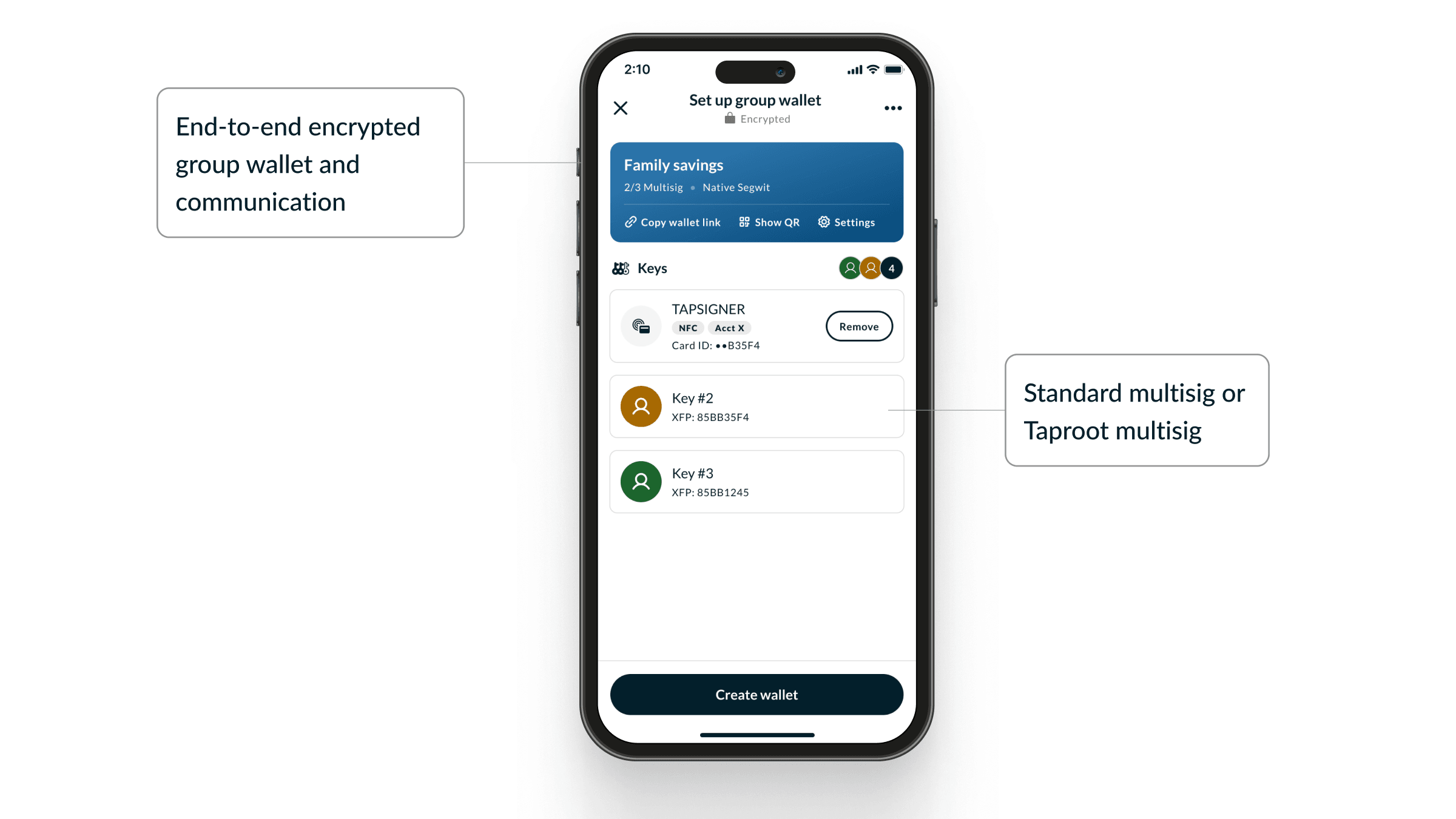
In the new Group Wallet, we eliminate the need for Matrix and separate chat keys by repurposing the wallet’s Output Descriptors to derive a single, shared encryption key for the group. These Output Descriptors are contained in the wallet configuration file (also known as the BSMS file). By backing up this file, you can reconstruct the group wallet and its encrypted communication channel whenever you need.
Note: To actually withdraw bitcoin, you still need the individual Bitcoin private keys. These are not included in the wallet configuration file, so be sure to keep your private keys secure and back them up separately.
This is powered by a two-phase encryption scheme — asymmetric first, then symmetric — and it’s all handled automatically behind the scenes. With the new system, you can:
- Easily create a multisig setup with family or business partners
- Securely manage funds across multiple devices for yourself
- Get everything done in just a few minutes
How It Works
Below is a quick overview of how we achieve complete end-to-end encryption behind the scenes:
- Asymmetric Encryption
We use NaCl's public-key authenticated encryption (a particular combination of Curve25519, Salsa20, and Poly1305) to securely exchange data before the wallet is established. - Symmetric Encryption
Once the wallet is established, we switch to NaCl's secret-key authenticated encryption (a particular combination of Salsa20 and Poly1305) for ongoing encrypted communication. This ensures all subsequent group messages and wallet transaction data remain fully end-to-end encrypted. - Key Derivation
We rely on PBKDF2 to transform the wallet’s Output Descriptors into robust symmetric encryption keys. Those same Output Descriptors are also used to derive a unique group wallet ID, which Nunchuk uses to establish a dedicated session with the server for each group wallet.
By combining these methods , we deliver a secure and auditable end-to-end encryption experience without extra complexity.
Privacy by Design
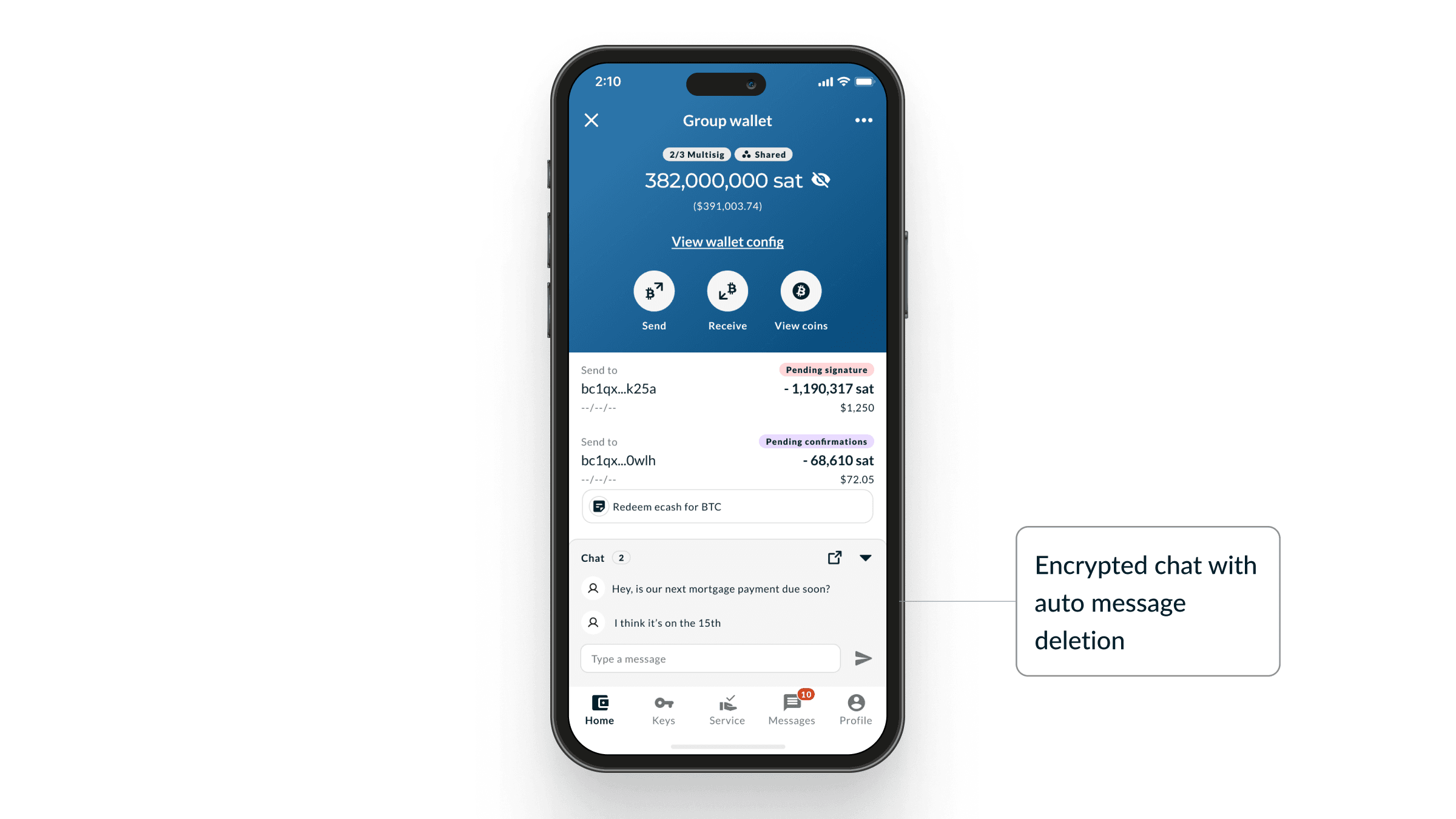
For added privacy, our Group Wallet includes an automatic message deletion feature. After a configurable number of days, messages are removed from the encrypted chat. This ensures that even if the wallet configuration file is somehow compromised, attackers won’t be able to view older conversations.
Flexible Multisig and Hardware Support
You can build a wallet that fits your exact needs — whether it’s a standard NativeSegwit multisig (e.g. 2-of-3 or 3-of-5), or a Taproot multisig leveraging Schnorr signatures and MuSig2. We also support a wide range of hardware signing devices, including:
- Coldcard
- Tapsigner
- Blockstream Jade
- Portal
- Ledger
- Trezor
- BitBox
- SeedSigner
- Keystone
- Foundation Passport
- …and more
This flexibility allows you to tailor your security setup to your preferences.
How to Use Group Wallet
- Create a Group Wallet
Open Nunchuk → Add Wallet → Select Group Wallet. - Join a Group Wallet
Simply tap the invite link on your phone. Alternatively, scan the QR code or manually paste in the wallet link: Open Nunchuk → Add Wallet → Join Group Wallet → Scan QR or paste wallet link. - Recover a Group Wallet
Open Nunchuk → Add Wallet → Recover Existing Wallet → Recover Group Wallet → Load your BSMS file.
Note: In the future, we may add an extra security measure requiring a signed message during recovery. If implemented, recovering the group’s communication channel would also require at least one private key in addition to the BSMS file.
Advanced Group Wallet Features
Looking for even more control and security? Check out Nunchuk’s paid assisted multisig services for advanced capabilities like:
- Inheritance planning
- Role-based access control (e.g., blind signer, observer)
- Spending limits
- Key health checks and automated reminders
- Email and push notifications for inheritance planning and claiming, spending attempts, key health checks, and other security issues
- Emergency lockdowns
These features build on our state-of-the-art infrastructure to deliver enterprise-grade security and flexibility for those who need it.
Explore Other Powerful Features
While you’re at it, check out some of our other innovations designed to give you even greater control and privacy:
- Taproot Multisig: Leverage next-generation Schnorr signatures and MuSig2 for improved efficiency and privacy.
- Decoy Wallet: Enhance your Bitcoin security with plausible deniability.
- Coin Control: Fine-tune your UTXO management and spending strategy.
Summary
The new Group Wallet is our answer to the complexity of collaborative custody. By harnessing Output Descriptors for encryption, we reduce key management headaches and provide a powerful, secure channel for coordinating transactions. Update to the latest version of the Nunchuk app — and discover just how simple and secure shared Bitcoin ownership can be.