How to claim an inheritance
Depending on your inheritance plan package, you can choose to claim with Nunchuk service or recover it yourself.
Claiming with Nunchuk service
01. Prepare Materials
Have the Magic Phrase ready, along with the inheritance key shared by the plan owner: a hardware signer loaded with it, its 12 or 24-word seed phrase, or the Backup Password for its encrypted backup.
02. Download App and Create Account
Download the Nunchuk app from the App Store (IMPORTANT: please verify that the app was developed by Nunchuk). The claimant should sign up for their own account, separate from the owner's.



03. Initiate the Claim
Sign in to the claimant's account on the mobile app. Go to the Services tab and tap Claim an inheritance. Enter the Magic Phrase first, then prove you hold the inheritance key:
- Option A: Use a Hardware Signer (Recommended for Security) If the inheritance key is not already on a device, load its 12 or 24-word seed phrase onto a compatible hardware signer. Select the device type when asked, then follow the prompts to connect it and sign.
- Option B: Import Directly as Software Key (Convenient) Select Software and carefully enter the 12 or 24-word seed phrase into the app. (⚠️ Security Caution: Ensure you are in a secure, private location. This method is convenient but temporarily exposes the key to your mobile device.)
- Option C: Backup Password If the plan includes an encrypted backup (Tapsigner or Coldcard), enter the Backup Password instead.

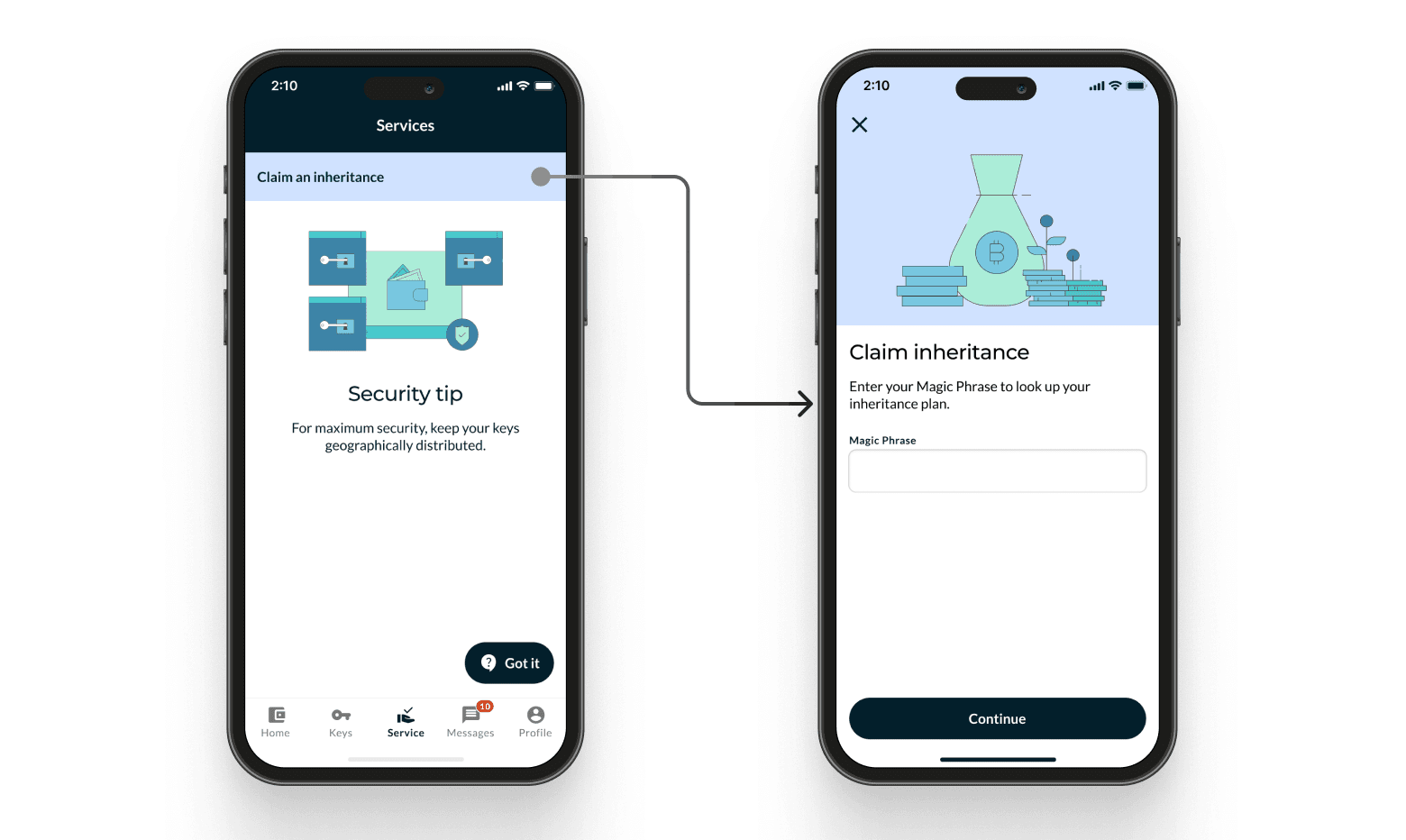
04. Complete the Process
Follow the instructions for claiming. Some hardware signers need the wallet registered on the device before they can sign; the app guides you through it. If the original subscription has expired, a maintenance fee of 0.3% (of the wallet balance) will apply.


